How to Find Photos of Yourself Surfing
Published 5 May 2026
You had a great session. The conditions were good, there was a photographer on the beach — and now you want those photos.
The fastest way: search by location and date
Most surf photo platforms organise galleries by spot and date. If a photographer was shooting at your break and uploads to a platform like Onda, you can search:
- Go to onda.pics
- Search for the beach name (or browse by location)
- Filter by the date of your session
- Look through the albums from photographers who were there
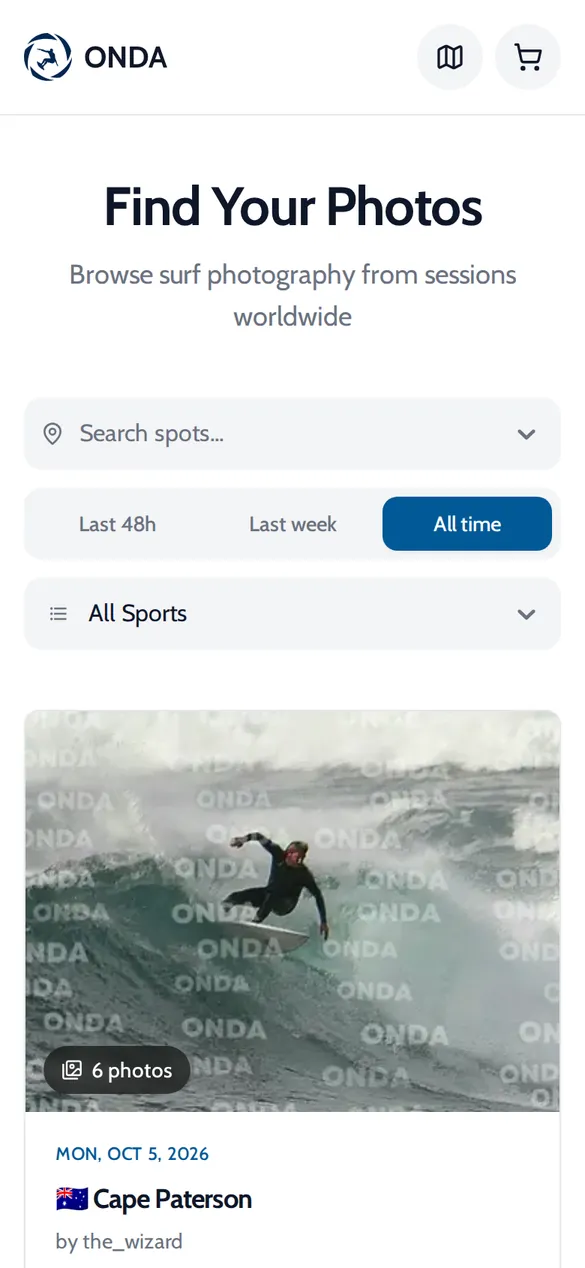
No account needed — you can browse and buy with just your email.
This only works if a photographer was there and has uploaded. More on that below.
Check Instagram
Many surf photographers post teasers from their sessions on Instagram — often within a few hours. Search for:
- The beach name as a hashtag: #hossegor, #ericeira, #bundoran
- The beach as a location tag
- More specific tags like #hossegorsurf or #ericeirasurf
If you find a photographer who was there, they'll usually have a link in their bio to their gallery.
Ask in local surf groups
Facebook groups and WhatsApp chats for your local break are surprisingly effective. Someone will know if there was a photographer out, and photographers often post their gallery links in these groups directly.
Search for "[beach name] surf" on Facebook and you'll often find the relevant community group.
If you can't find your photos
There are a few possibilities:
The photographer hasn't uploaded yet. Some photographers take a day or two. Check back the next day.
There was no photographer there. Not every session gets covered. Busy breaks, popular competitions, and tourist spots are much more likely to have photographers than quiet local breaks midweek.
You're hard to find in the gallery. In a large album from a busy session, it can take time to scroll through. Some platforms let you filter by timestamp — if you know what time you were surfing, use that.
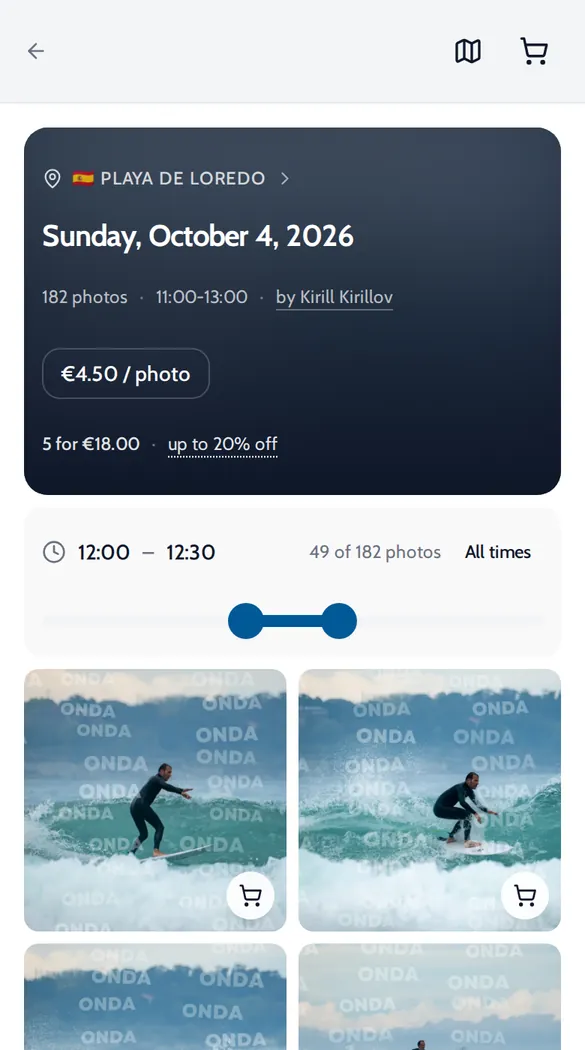
Getting notified when photos are available
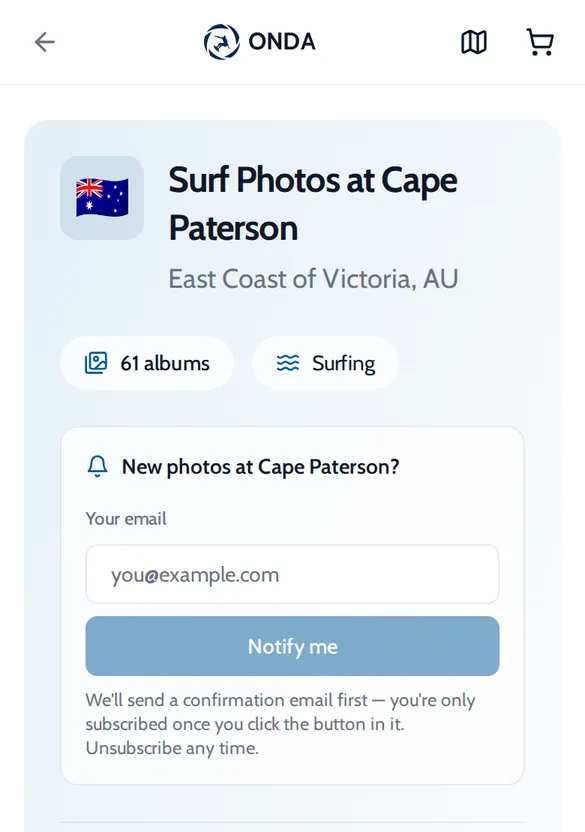
On Onda, you can follow specific surf spots and get notified when new albums are uploaded. This means you don't have to check back manually — you'll get an email when photos from your break are live.
Once you find your photos
When you find photos of yourself:
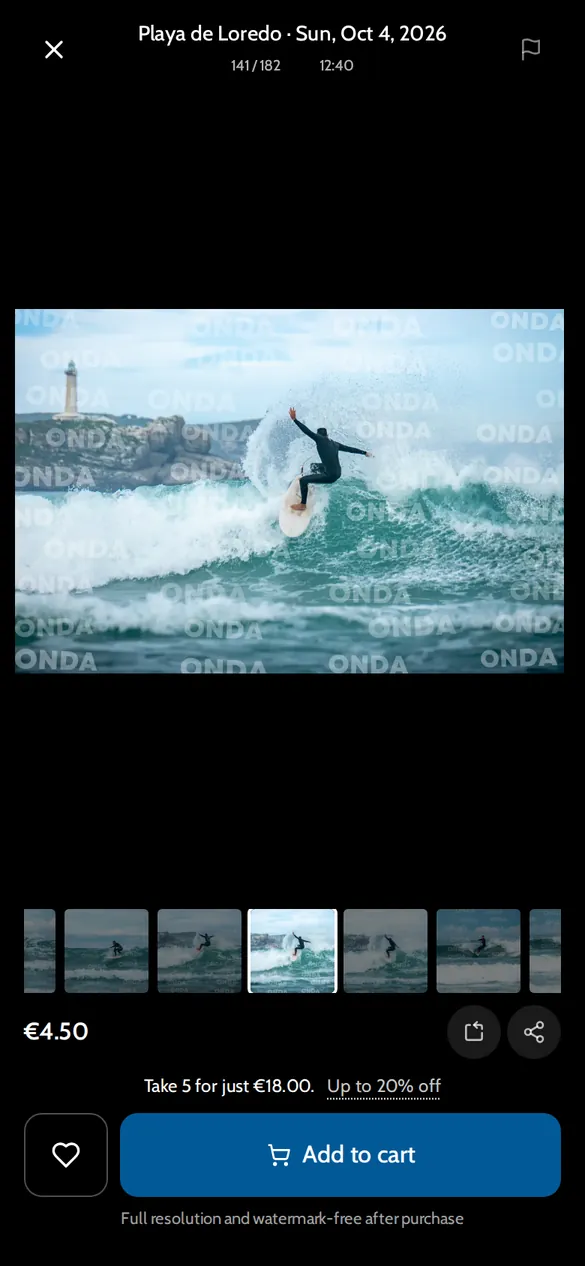
- You can preview watermarked versions before buying — the watermark is there to protect the photographer's work, but you can still see clearly what you're getting
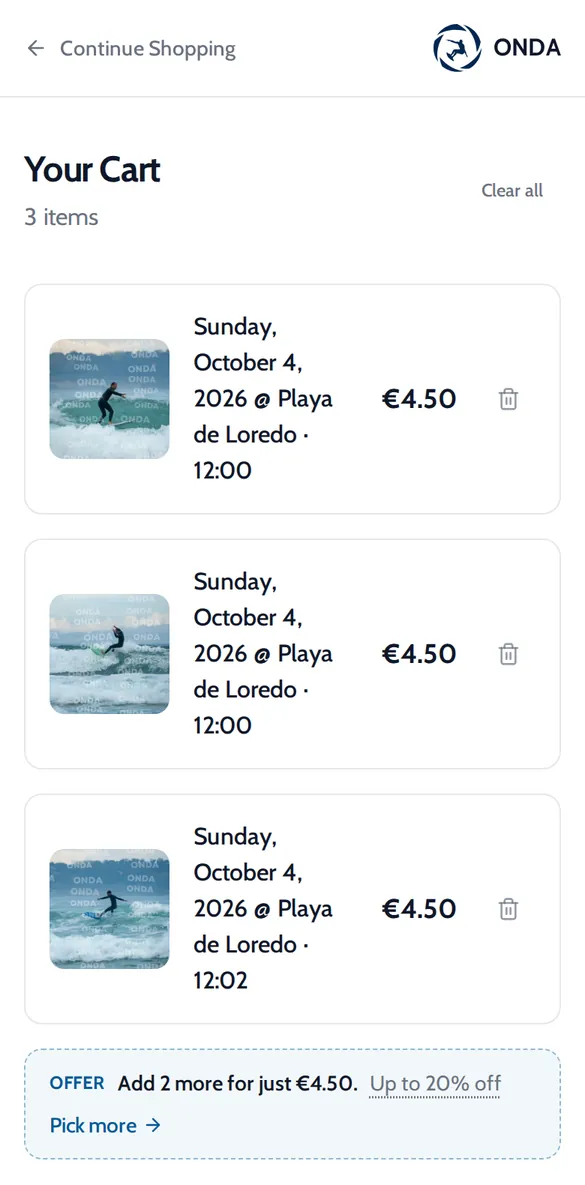
- Buying is simple: add photos to cart, enter your email and payment, done
- You'll get a download link by email that never expires — you can re-download at any time
Why buy instead of screenshotting?
Screenshotting a watermarked preview gives you a low-resolution image with the photographer's watermark on it. The purchased version is the full-resolution original file — printable, shareable, and without any overlay.
Surf photographers spend hours at the beach and more hours editing so you have something worth keeping. It's worth €10–15 to get the proper version. If you want to understand what goes into a finished surf photo, see our before and after RAW editing guide.
Not sure which shots are worth buying? Our guide on what makes a great surf photo helps you pick the keepers. And for why it's worth having at all, see why every surfer needs a professional photo.